

Skip to content
watchingthat
OPERATIONS CONTROL PLATFORM

Stop fighting fires and take back control.

Protect all your revenue, prevent any downtime, optimise all your systems, automate all your efforts.

End to end control of your entire operational stack

Used by top tier digital operations teams

70% fewer ad errors
A+E Global Media reduced delivery errors by 70% in under 3 months.
Time to fix from weeks to hours
Fixing outages at a US TV network group, went from over 6 weeks down just 1 day.
Fill rate doubled per endpoint
Validating all inputs to the ad server resulted in fill rates on a premium endpoint to double.

To fully control something, you have to first understand it. Go from What happened to How it happened.

Every ad server, SSP and partner tells you What happened on its own slice. None of them tells you How, so a broken set-up or a drop in fill runs on until an advertiser calls or the month-end numbers land.

Put every system in one view and How it happened is on screen. Your team finds the cause first, fixes it first and keeps the revenue it was about to lose.

01 · Prevent

Prevent input errors, policy breaches and omissions from becoming a real risk to your revenue.

Write the rules and policies that must be followed and let the Validation Monitors be your guardian angel. Prevent

  • Creative regulatory breaches.
  • Unintentional campaign overpacing.
  • Audience and Geo targetting error.
  • Programmatic signal ommissions.

Any of your policies and rules can be monitored and enforced.

Proof

One Validation Monitor found 76 active FreeWheel placements with no creative attached that slipped through.
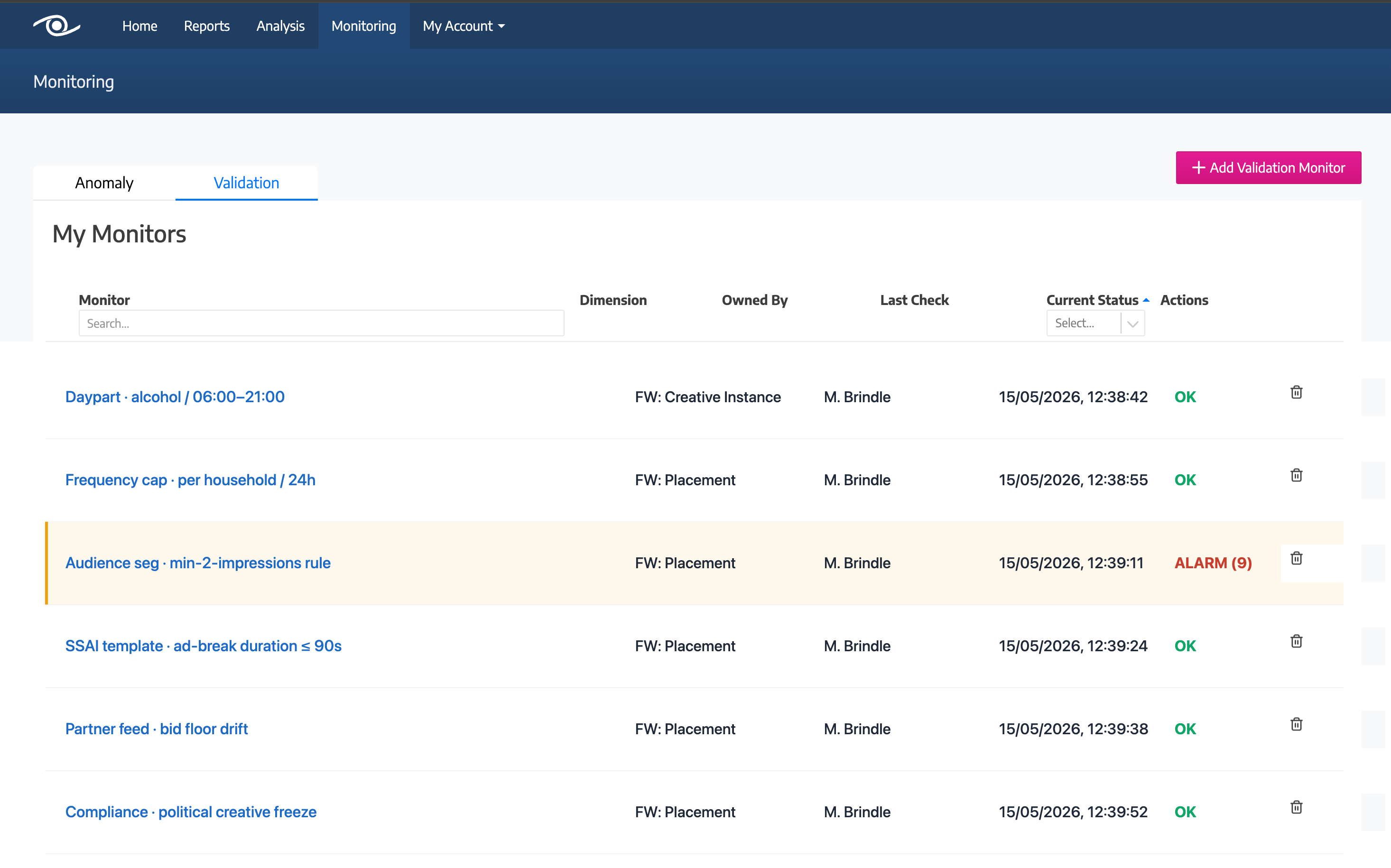
Validation Monitors in Watching That on a demo account: four monitors with their rules, such as creatives blocked by ClearCast and missing clock numbers, each with the dimension it checks, its last check and its status.
02 · Protect

Be the first to know there's a problem. Then fix that problem within minutes.

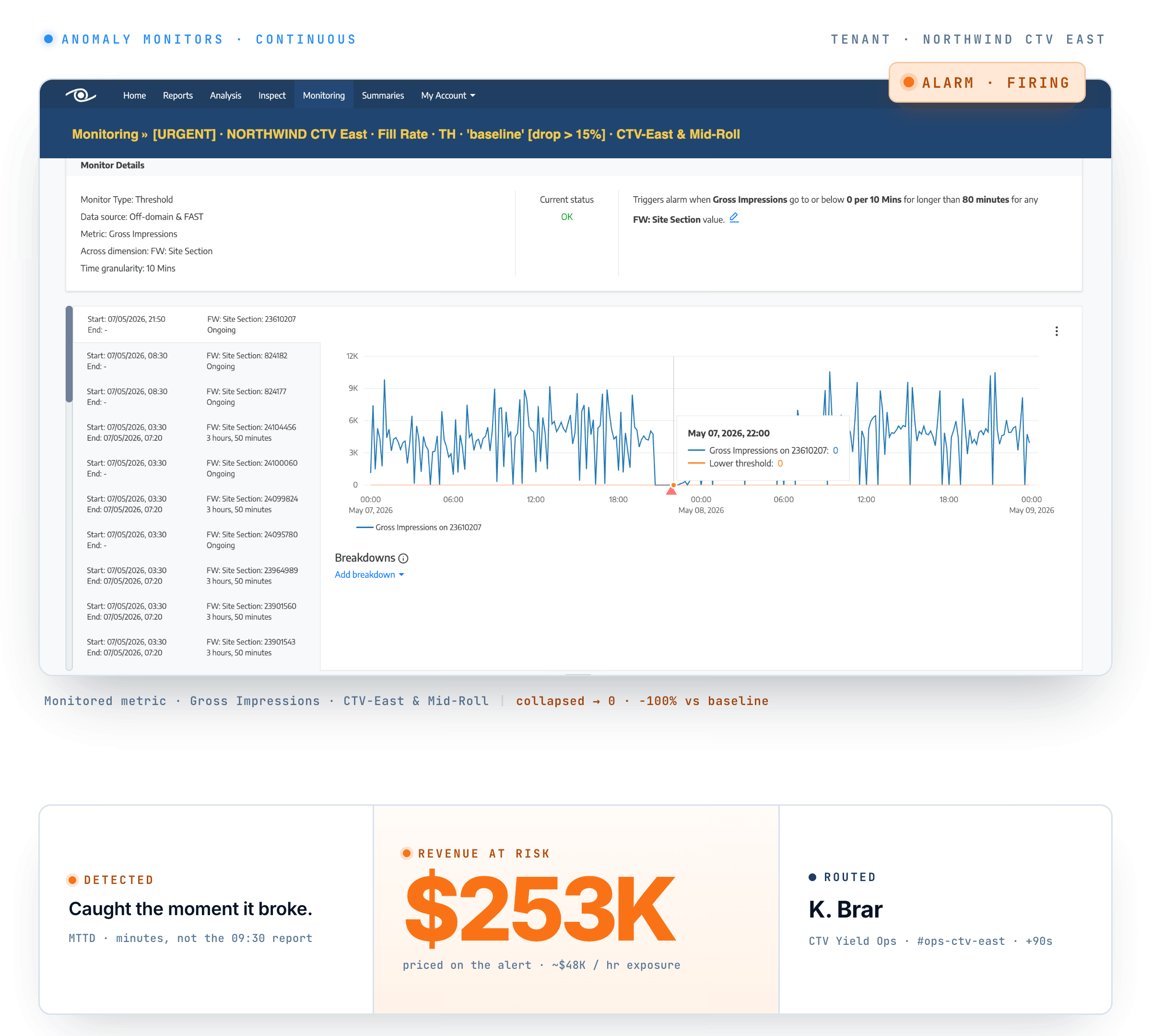
Hear about a problem from your advertiser and it has already cost you revenue, and maybe a make-good. Anomaly Monitors tell your team first when:

  • Fill rate falls on a campaign, partner or platform.
  • Impressions flatline.
  • Ad errors spike.

The alert reaches their inbox or Slack channel with the metric that moved, so the fix starts straight away.

Proof

A US TV network group went from outages running six weeks unnoticed to catching them within a day.

An Anomaly Monitor in Watching That on a demo account: the fill-rate chart it watches over two days and its rule.
03 · Optimise

Go beyond What revenue you've made into How it was made.

Your reports tell you revenue moved. They can't tell you why, or where to find more. See How every figure was made:

  • Which partners and advertisers drove it.
  • Which devices it ran on.
  • Every ad session behind it, with its events, IDs and prices.

Then you know where to push for more revenue, and where it is leaking away.

Proof

Scripps found a multi-million-dollar revenue opportunity in the Analysis module.

A Watching That report on a demo account: ad slots from the ad server and video views from the player on one chart over seven days, with ad slots and fill rate by device type.
Customer result

A+E Global Media cut ad errors 70% in 3 months.

“Things break. I don't like it. But with Watching That I know my team is best equipped to catch and deal with these issues quickly enough that they never become problems.”

R. Lee Barstow · VP Revenue Operations · A+E Global Media
Read the A+E Global Media case study

For every team in your ad operation

Join all the dots, across all parts of the busines to gain one unified view.

Ad ops, yield, programmatic, revenue, tech and products teams all work from one intelligence plane.

Watching That · Reports · Delivery overview widget
Watching That · Analysis · GAM orders by device type
Watching That · Inspect · Sessions stream
Watching That · Monitoring · Anomaly monitor inventory
Report · Delivery overview (demo account)
4 headline metrics2 data sourceslast 7 days
Your whole stack

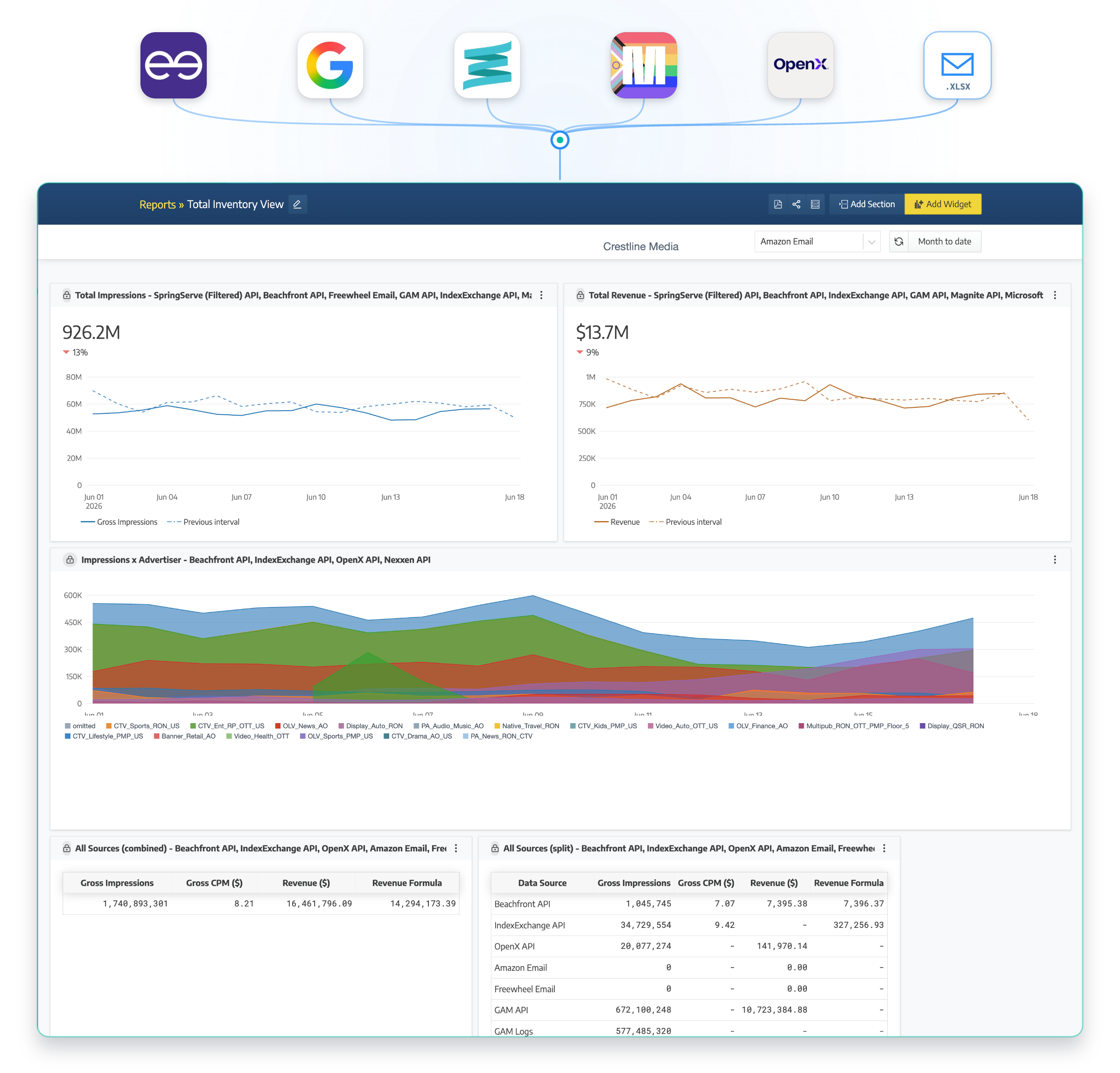
Connect all your data for one global view.

However many ad servers, SSPs and players you run, your team sees them as one operation. Ad-server and SSP connections are read-only, so your set-up stays untouched.

Ad servers
  • FreeWheel
  • Google Ad Manager
  • SpringServe
SSPs and exchanges
  • Magnite
  • PubMatic
  • Index Exchange
  • OpenX
  • Google AdX
Video players
  • Brightcove
  • JW Player
  • Bitmovin
  • Video.js
AI & MCP

Give your AI agents the fuel they need from one simple MCP connection.

Your agents are only as good as the fuel you feed it. Getting them the data in the right way involves ingesting, enriching, unifying, contextualising and guarding. Everything that comes with the Watching That MCP connection.

An example of an AI assistant answering a fill-rate question through the Watching That MCP server (20-second loop).